




will deliver Noah's content (dance, yoga, music, fitness, events, and more)
that has enlivened numerous music and dance scenes online at its best.
Affiliated with the
Top 500 Dancers
in the World
Online Lessons
Presented by
Japan's Largest
Dance School
with 25 Years of History
Affiliated with Top Instructors!
Online Lessons
by Tokyo's Premier
Yoga Studio NOA
and the Trending
Dark Fitness Boxing Gym NOA
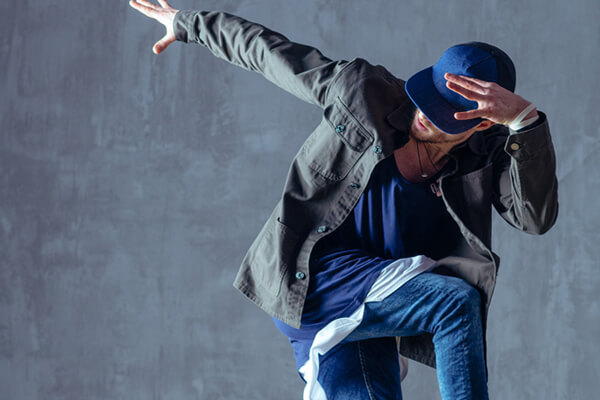
ダンス

ヨガ

ピラティス

ストレッチ

ボクシングフィットネス
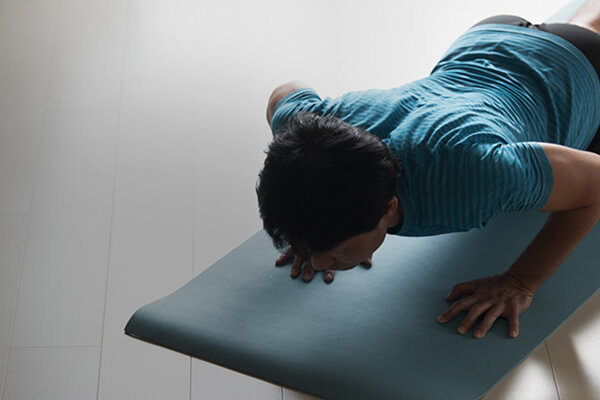
筋力トレーニング
Instructors
respond
in the chat.


You can participate via chat! You can enjoy the sense of presence online, just like receiving lessons in the studio!
You can watch
missed live
broadcasts.


Even if you miss the live broadcast, it's okay with online! Archives and lecture videos are also being uploaded continuously! You can watch them anytime!

Choose your favorite lesson
from the lessons displayed by date and time.
The broadcast will start at the scheduled lesson time.

Start your lessons at your preferred time to fit your lifestyle.
You can rewind any part as many times as you like
and proceed with the lessons at your own pace.


In LIVE lessons, you can ask questions to the teacher through chat. You can experience the live feeling as if you were actually taking the lesson."


The split-screen displays your own image on the monitor, allowing you to compare your movements with the instructor and confirm your own performance.
You can take your favorite lessons
at the "front row" anytime!
I want to watch online while dancing
just like in an actual lesson!
In such cases, the dual function is recommended! You can confirm your own movements while watching the instructor,
as if you were taking a front-row lesson in a studio with a mirror. Please experience online lessons from the following.
*Chat function is not available.

Beginners in dance can also feel at ease.
You can start dancing from scratch with rhythm training.

For those who want to enjoy choreography as the main focus,
you have the freedom to choose from a wide variety of instructors and genres.

When you want to relax or align your body,
there's yoga.

Exclusive collaboration lessons on NOA ONLINE!
Tremendous fat-burning effects!
The trending boxing fitness!

You can cancel at any time from your "My Page."
Please try it once to start.
Unlimited access to online lessons
by NOA Dance Academy,
renowned NOA Yoga Studio,
and the trending Dark Boxing Fitness!
Campaign is on!!
Now all the time

NOA school members
register here!

If you have a smartphone, tablet, computer, or internet connection, anyone can take the lessons. Regardless of where you are in the country, you can take online lessons from NOA's experienced instructors. You can have lessons at your convenience, in the comfort of your own home or wherever you prefer, just like attending a school, with lessons at your own pace during your free time.
*If you do not see the translation notification at the top of the screen, you can request a translation. Open Chrome Chrome on your Android device. Other icons on the right side of the address bar. Next, tap [Translate...].


